Submission


Here's how to change the password on the ITSDI Journal
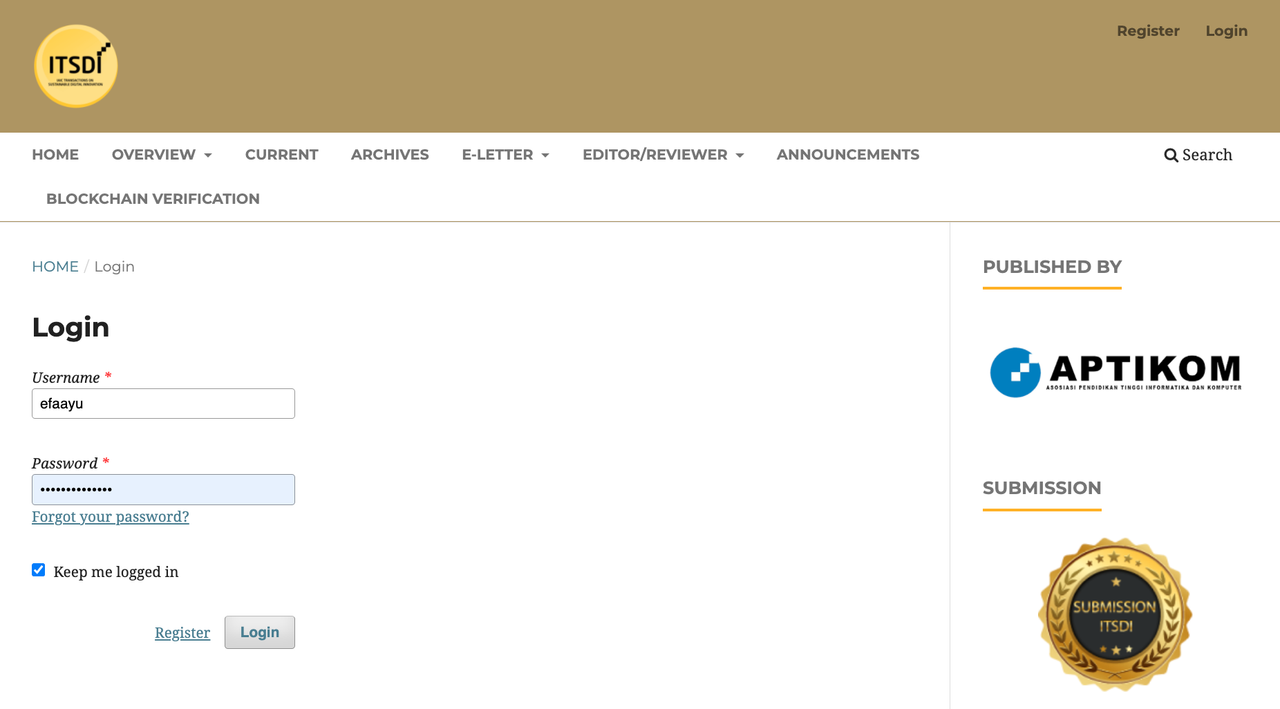
1. Login on the ITSDI Journal web page >> Here <<

2. Enter the Username/Username and Password/Password that has been sent by the Assistant Editor via E-Mail
3. Click the profile picture in the upper right corner then click Edit Profile

4. Click the Password section and enter the old password then enter the new password and then repeat below with the new password.

5. Save/save the latest password, then proceed to the Submission page to do a Review.
|
|
IAIC Transactions on Sustainable Digital Innovation
E-ISSN : 2715-0461 , P-ISSN : 2686-6285 Supported by APTIKOM & Organized by IAIC Bangun Bangsa (IBB) Website : https://aptikom-journal.id/index.php/itsdi/index Email : [email protected]
|